Metric 01
45+
brands launched
CANADIAN CREATIVE TEAM
Muse Rocket builds brand identity, websites, landing pages, and launch campaigns for Canadian startups and small businesses. Get clear pages, sharp copy, and work that helps people act.
Metric 01
brands launched
Metric 02
typical launch window
Metric 03
client rating
Simple process
Logo, colors, type, and brand rules for a clean first look.
3-week sprint
From $4,500
Logo, colors, type, and brand rules for a clean first look.
4-week build
From $6,500
10-day launch
From $2,200
From $1,800
Ready-to-post graphics and captions for a busy feed.
From $2,400
Static ad images sized for Meta and display ads.
From $5,500
A clear plan for email, social, and ad posts before launch day.
Core services
We talk goals, timing, and what needs to be made first.


Recent launches
Brand message map One logo concept Color and font set Five social post templates One feedback call
From $2,500
From $6,800
Custom
What clients say
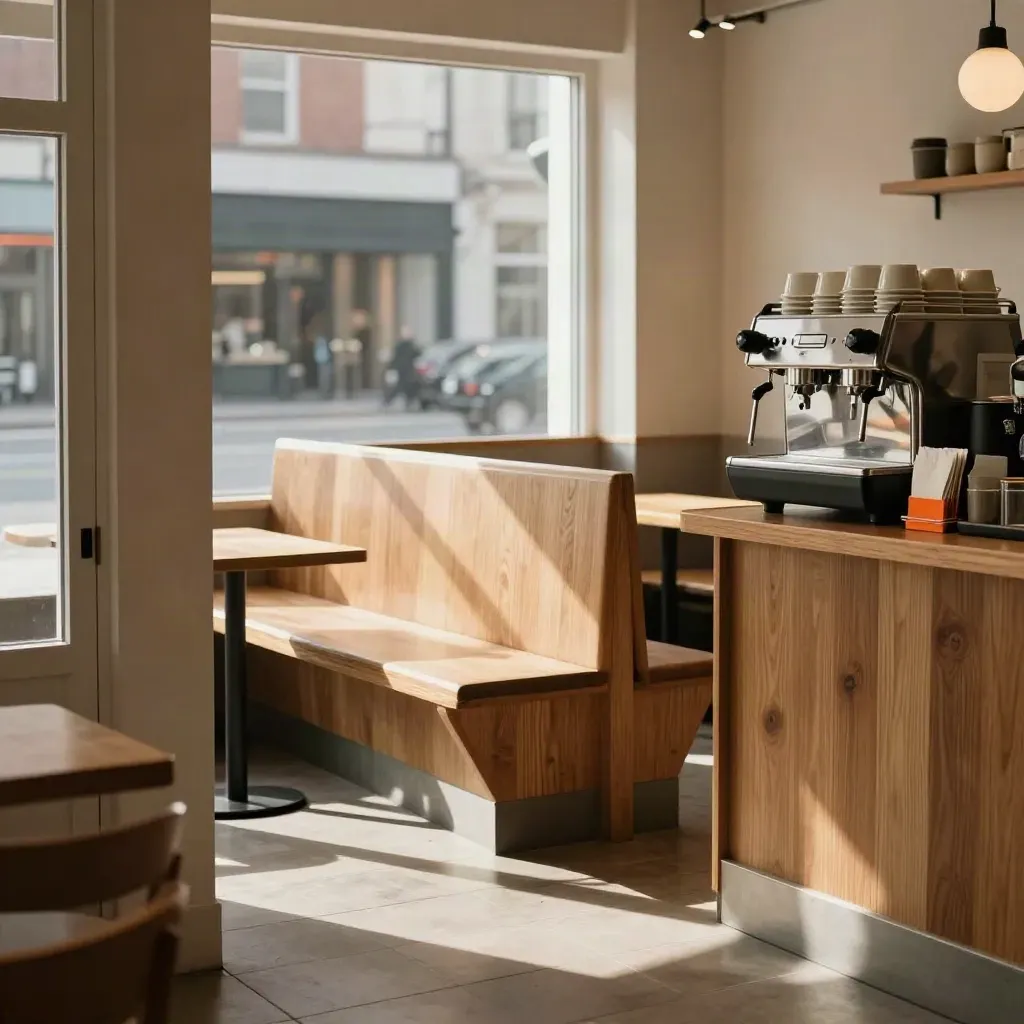
Brand kit, menu cards, and a launch site filled tables on opening week.
Food & Drink
Brand kit, menu cards, and a launch site filled tables on opening week.

Legal

Fitness
SaaS

Retail
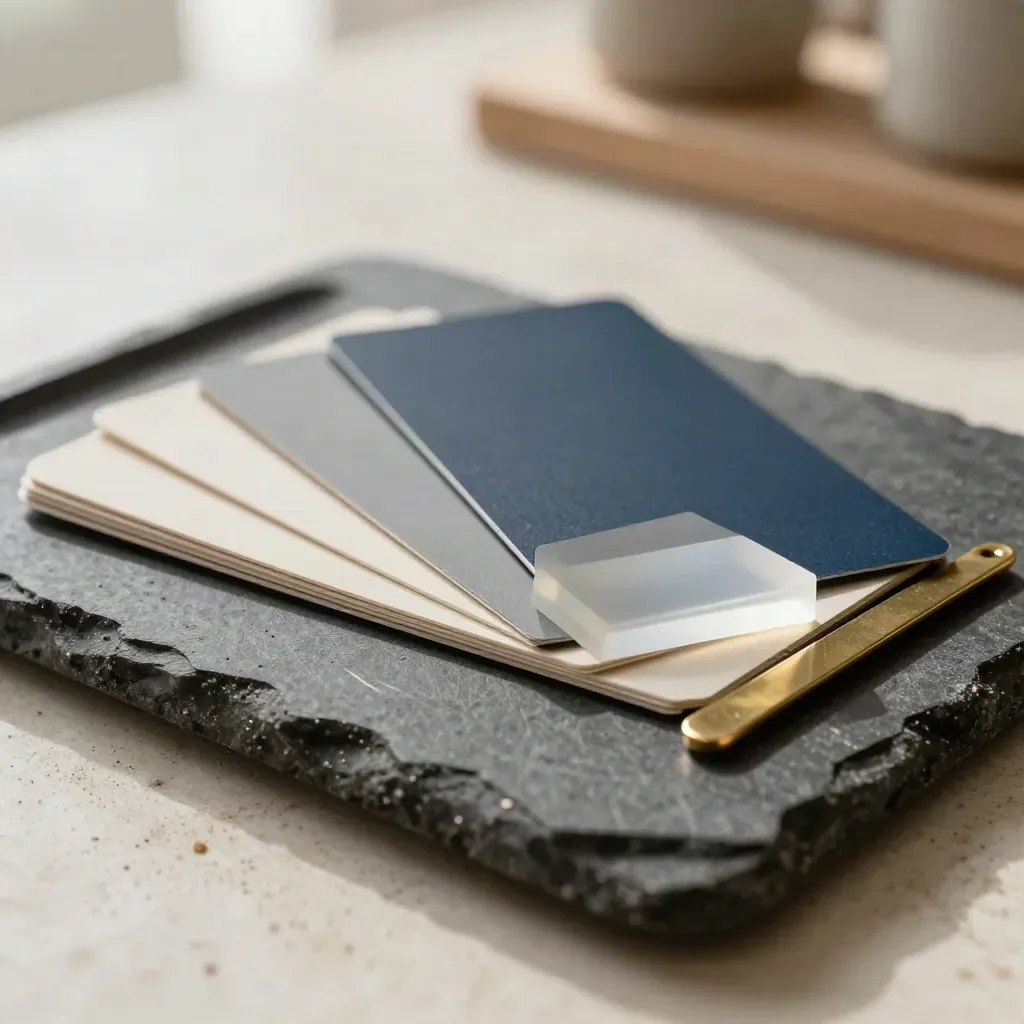
Brand systems and launch plans
Fast sites and landing pages
Messaging and ad lines
Social packs and timing
Proof
“Muse Rocket gave us a sharp brand, a clean site, and a launch plan we could use right away.”
Sofia Alvarez
Founder, North Shore Tea
“The copy was plain, the design was strong, and our signups rose within days.”
Ben Carter
Owner, Peak Theory Studio
“They kept us on track, answered fast, and made the whole process feel easy.”
Lina Desai
Co-founder, Cedar Finch Labs
Service area
Toronto, Mississauga, Brampton, Vaughan, Markham

Area 01
Toronto, Mississauga, Brampton, Vaughan, Markham

Area 02
Vancouver, Burnaby, Richmond, Surrey, North Vancouver

Area 03
Calgary, Airdrie, Cochrane, Okotoks, Chestermere
Area 04
Ottawa, Edmonton, Winnipeg, Halifax, online across Canada
Questions
Quick answers before visitors choose a product, service, or next step.
We build brand identity, website pages, landing pages, ad creative, and launch plans for small teams across Canada.
Most starter projects take 2 to 4 weeks. Bigger launches can take 6 to 10 weeks, based on scope and review time.
Yes. We work with startups and small businesses across Canada, from Toronto to Vancouver and remote teams too.
Yes. We write the message, page copy, ad text, and launch emails so the words match the design from the first draft.
Yes. We can keep helping with site updates, new pages, ad swaps, and monthly content after launch as your needs change.
Book a call, share your goals, and we will send a clear scope, timeline, and price by email after that chat.
Get one short email a month with launch tips, site fixes, and sample copy for small teams.